Endpoint Detection
& Response
(EDR)
Enterprise-grade EDR solution safeguarding workstations, servers, laptops, and mobile devices from malware, ransomware, APTs and advanced cyber attacks — with real-time detection, investigation, and automated response.
EDR Module – Key Features
15 advanced threat detection and response capabilities built into the EDR module.
Real-Time & Historical Visibility
Provides both real-time and historical visibility into endpoint activities, allowing organisations to monitor security events as they occur and review past incidents for analysis.
Incident Detection
Identifies and catches security incidents that may have evaded prevention measures, ensuring threats bypassing initial defences are still detected and investigated.
Real-Time Recorder
Captures and logs all endpoint activities in real time — essential for detecting and responding to security incidents as they happen.
Complete Visibility
Offers complete visibility into every activity occurring on endpoints from a security perspective, enabling organisations to closely monitor systems and networks for suspicious behaviour.
Command Terminal
Security teams can access command terminals with Command Prompt and PowerShell on endpoints, enabling fast manual response and intervention when needed.
Monitoring Security Events
Monitors new process creation, new file creation, unknown running processes and loaded drivers, integrity monitoring, memory access, network connections (DNS, open ports), and Windows vulnerabilities.
EDR Menu
Easy interaction with endpoints for running processes, executed processes, File Explorer, Services, drivers, network activity, hardware inventory, installed software, startup apps, and scheduled tasks.
Accelerates Investigations
Tracks all relational events using a powerful graph database to provide details and context rapidly, enabling security teams to quickly uncover even the most sophisticated attacks.
Attack Surface Reduction
ASR rules mitigate the risk of common malware infection vectors by restricting the behaviour of certain applications and processes across your organisation.
Threat Detection & Response
Blocks viruses in the network, detects threats, blocks risky URLs, and blocks suspicious and vulnerable applications to maintain network safety.
Network Service & Process Management
Manage all services and running processes in the network from a centralised EDR console.
Notification Alerts
Alerts on newly launched application history, file creation with timestamps, processes interacting with the internet, unknown installed Windows tasks, all security events, integrity monitoring, and Windows vulnerabilities.
Command Execution History
Records and reports all executed commands and scripts from Windows Command Prompt, PowerShell, VBScript, and JScript to help track and analyse user actions on endpoints.
Realtime IoC Hash & URL Blocking
Searches for malicious files and URLs using hashes and blocks them on endpoints, reporting search and block events back to the EDR server.
Network Security Statistics
Real-time Windows Event Log, Network Connection Logs, Endpoint Firewall Status, and Attack Surface Reduction (ASR) protection reports.
EPS Module – Included Security Features
All Endpoint Security (EPS) capabilities are bundled with every EDR deployment at no additional cost.
Cloud Based Endpoint Security Console
Manage the admin console from anywhere via a secure, device-independent web-based portal accessible on any internet-enabled PC, mobile, or tablet.
Centralized & Real-Time Administration
Graphical dashboard for Network Endpoint Statistics, Security health status, Endpoint vulnerability, Statistics of Clients, Update and Threat status.
Multilayered Protection
Protection against all types of viruses and malware. Anti-Ransomware Shield, Web Protection Shield, and Adware Blocking Shield to save CPU and memory.
Anti-Phishing
Blocks fraudulent bank look-alike pages and login credential stealing links to protect users from phishing attacks.
IDS / IPS
Actively detects and blocks malicious network activities exploiting application vulnerabilities, with real-time alerts for port scanning, DDoS attacks, and more.
Advanced Device Control
Comprehensive access control and monitoring for workstations, USBs, Bluetooth, and portable devices with offline enforcement and forensics.
Application Control
View and manage running processes. Transfer, install, or run applications and patches on clients. Kill, Block, and Unblock processes from a single setting.
Data Backup
Manage client data backup from the server. Protects client data from all kinds of ransomware attacks with secured, corruption-free backups.
Firewall
Monitors inbound and outbound network traffic. Administrators can easily add and manage rules based on connecting ports, IP, and Application.
SIEM Integration
Aggregates security data from firewalls, IDS/IPS, antivirus systems, and logs into a central SIEM platform for real-time monitoring and incident response.
Advanced ML & AI
Leverages machine learning and AI algorithms to dynamically analyse file behaviour, identify malware patterns, and proactively defend against zero-day attacks.
Global Threat Intelligence
Expertise and analysis of worldwide cyber security threats, APTs, emerging risks, advanced attack vectors, and strategic defence measures.
Patch Management
Centralised patch management solution to patch vulnerabilities of Microsoft and third-party applications across all managed endpoints.
Data Loss Prevention (DLP)
Monitors confidential and user-defined data shared through removable drives, network, and browser applications with endpoint snapshots when data breaches occur.
Disk Encryption
File level, folder level, volume level, and full disk encryption. Encrypted state persists if the disk is lost, stolen, or moved to another computer.
Asset Management
Collects comprehensive system information including software and hardware details, tracks installed/changed software and hardware changes, and captures system turn-on/shutdown times.
Two Factor Authentication (2FA)
Enhances account security with a second verification step — even if a password is compromised, 2FA prevents unauthorised access.
Network Access Control (NAC)
Ensures only authorised devices and users can connect. Enforces security policies, blocks unauthorised access, and prevents potential threats from compromising your network.
Live Chat & Remote Desktop Viewer
System Admin can view client desktop remotely with a single click, live chat with clients, and send critical announcements by notification type.
Offline Updates – Weekly
Download server and client updates from the NPAV website and apply them on the server machine. Clients pull updates automatically over LAN — no internet required on server or clients.
EPS Edition & Feature Comparison
Complete feature matrix across all EPS editions. The EDR column shows the full enterprise feature set.
| NPAV EPS Feature | Professional for SME |
Advanced for Business |
Total | Enterprise |
EDR ★ Full Edition |
|---|---|---|---|---|---|
| EPS CORE PROTECTION | |||||
| Antivirus & Anti-Malware | |||||
| Anti-Ransomware Shield | |||||
| Anti-Phishing | |||||
| Email Protection – Spam Protection | |||||
| Firewall Protection | |||||
| IDS / IPS | |||||
| Instant Messaging Protection | |||||
| OS Vulnerability Scanner | |||||
| Roaming Platform | |||||
| Artificial Intelligence | |||||
| Asset Management – Hardware & Software | – | ||||
| Email / SMS Notification | – | ||||
| Web & Browsing Protection | – | ||||
| LAN Monitor | – | ||||
| Advertise Blocker | – | ||||
| Advanced Device Control | – | ||||
| SIEM Integration | – | ||||
| Data Backup | – | ||||
| Application Control – Block & Safe List | – | – | |||
| System Tuner | – | – | |||
| File Activity Monitor | – | – | |||
| Session Activity Monitor | – | – | |||
| Web Filtering & Category Control | – | – | |||
| Password Management | – | – | |||
| Traffic Monitor | – | – | – | ||
| Printer Activity Monitor | – | – | – | ||
| Data Loss Prevention (DLP) | – | – | – | ||
| YouTube Access Manager | – | – | – | ||
| Google Login Management | – | – | – | ||
| Live Chat and Remote Desktop Viewer | – | – | – | ||
| Disk Encryption | – | – | – | ||
| IT Ticket System | – | – | – | ||
| Endpoint FastQueryX | – | – | – | – | |
| Realtime IoC Hash and URL Blocking | – | – | – | – | |
| Endpoint Threat Scan | – | – | – | – | |
| Pre-Attack Surface Reduction | – | – | – | – | |
| Network Service & Process Management | – | – | – | – | |
| 1. THREAT INTELLIGENCE | |||||
| 1.1Threat Hunting Dashboard, Cases, Alerts, Frequency Alerts, Incident Response, Rules | – | – | – | – | |
| 1.2Network Connection Logs | – | – | – | ||
| 1.3DNS Query Analysis | – | – | – | – | |
| 1.4Attack Surface Reduction (ASR) | – | – | – | – | |
| 1.5MITRE ATT&CK Mapping | – | – | – | – | |
| 2. TOOLS | |||||
| 2.1Command Prompt Remote Command Execution | – | – | – | – | |
| 2.2FastXQuery SQL-like Endpoint Query Engine | – | – | – | – | |
| 2.3Firewall Management Public, Private, Domain Profile | – | – | – | – | |
| 2.4Patch Management Discover, Compliance, UAT, Repository | |||||
| 3. COMPREHENSIVE SYSTEM REPORTS | |||||
| 3.1Installed Softwares | |||||
| 3.2Startup Apps | – | – | – | – | |
| 3.3Services | |||||
| 3.4Health Status CPU, RAM, Storage, CPU Info, Version Compliance, Policy Enforcement | – | – | – | ||
| 4. THREAT DETECTION AND RESPONSE | |||||
| 4.1Virus Cases | – | – | – | – | |
| 4.2Network Blocked URL | – | – | |||
| 4.3Web Protection | – | – | |||
| 4.4Shell Execution Insights PowerShell Monitoring | – | – | – | – | |
| 4.5Shell Execution Response Malicious PowerShell Blocked | – | – | – | – | |
| 5. SECURITY CONTROLS & RESPONSE | |||||
| 5.1CIS Benchmarks Scan Results, Benchmark Status, Rule Analysis | – | – | – | – | |
| 5.2IT Ticket Raise & Track | |||||
| 5.3IOC Hash Search & Manage | – | – | – | ||
| 5.4Block URL & IP | – | – | – | ||
| 6. SECURITY OPERATIONS & COMPLIANCE | |||||
| 6.1PCI DSS Compliance | – | – | – | – | |
| 6.2NIST 800-53 Compliance | – | – | – | – | |
| 6.3TSC (Trust Services Criteria) | – | – | – | – | |
| 6.4GDPR Compliance | – | – | – | – | |
| 6.5HIPAA Compliance | – | – | – | – | |
System Requirements
Minimum hardware and software specifications for EDR / EPS Server and Client deployment.
Linux Server – Ubuntu 22+
EDR Server Sizing Guide
Recommended hardware specifications based on the number of managed endpoints.
| Endpoints | CPU Cores | RAM | Storage | API Servers |
|---|---|---|---|---|
| 100 | 4 Cores | 16 GB | 200 – 300 GB | 2 |
| 200 | 6 – 8 Cores | 16 – 32 GB | 400 – 600 GB | 3 |
| 500 | 12 – 14 Cores | 32 – 48 GB | 1 – 1.5 TB | 4 |
| 800 | 16 – 20 Cores | 32 – 48 GB | 1.5 – 2 TB | 5 – 6 |
| 1000 | 20 – 24 Cores | 48 – 64 GB | 2.5 – 4 TB | 6 – 8 |
Specifications are indicative. Actual requirements may vary based on endpoint activity, log retention period, and network topology.
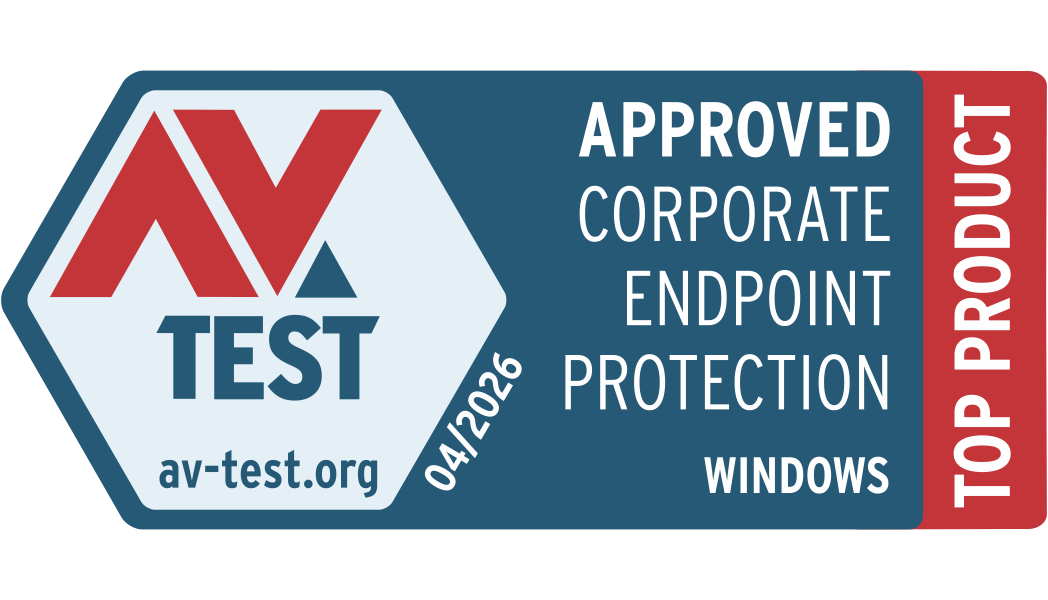
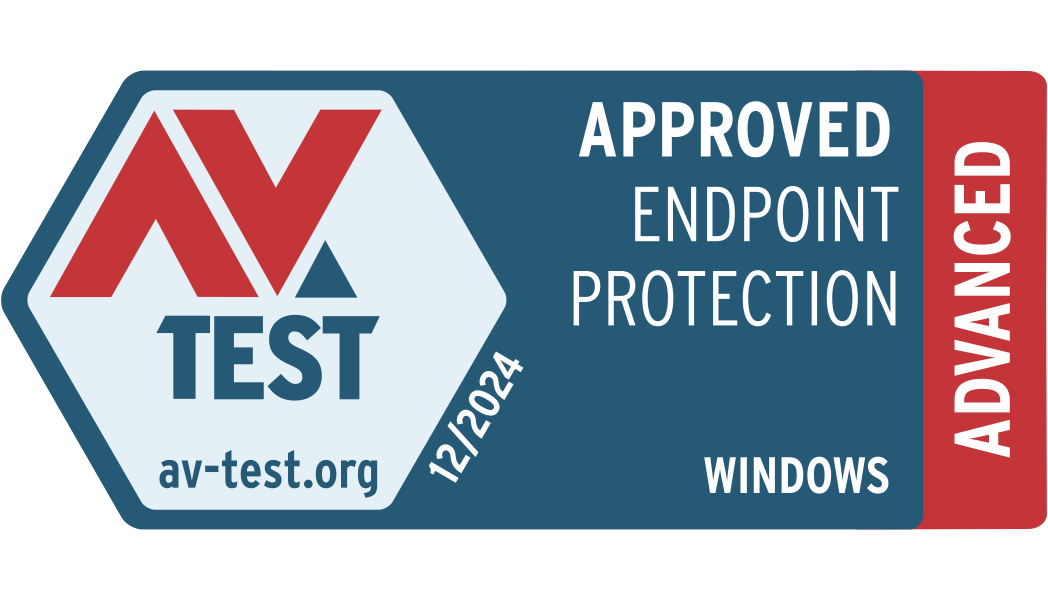
Certifications & Approvals
Independently tested and certified by the world's leading security evaluation bodies.



Ready to Secure Your Endpoints?
Download the technical datasheets or request a live demo — our team responds within 24 hours.
Feedback
 Chat with us
 on WhatsApp
Chat with us
Chat with us on WhatsApp